What an online store costs, and which platform to build it on
The cost of an online store depends less on the design and more on the catalogue and the processes: how many products and variants you have, where prices and stock come from, and how you take payment, ship and issue invoices. Beyond the build there are recurring costs: a platform subscription, payment fees, plugins and shipping. Ask for a quote that separates the build from the recurring costs.
What drives the price?
| Factor | Lower cost | Higher cost |
|---|---|---|
| Products | Dozens of products, no variants | Thousands of products with sizes, colours and different prices |
| Prices and stock | Updated by hand, rarely | Coming from a supplier file or a stock system |
| Shipping | A flat rate or pickup | By region, weight or courier |
| Payment | The payment provider’s own page | Instalments, subscriptions or a price list for business customers |
| Languages | One language | Hebrew and English, and several currencies |
Which platform should you build on?
| Platform | When it fits | Watch out for |
|---|---|---|
| Shopify | A store you want up quickly and to maintain lightly | A monthly plan, paid apps, and a theme that works well right to left |
| WooCommerce on WordPress | When you need flexibility and full control of the site | Hosting, updates and security are your responsibility |
| Site builder | A small catalogue and a simple process | Limits on customisation, and on exporting products if you move |
| Custom build | A process that fits no platform | A higher cost, and who maintains the code |
On any platform, check before you start that your payment provider connects to it, and that your invoicing system receives its orders.
What recurring costs should you expect?
- A platform plan, or hosting and upkeep for a WordPress site.
- A payment fee on every transaction, and sometimes a monthly plan with the provider.
- Plugins and apps: shipping, reviews, promotions.
- A courier, and packaging.
- An invoicing system.
- The time of whoever updates products, prices and photos.
How do you add and update products?
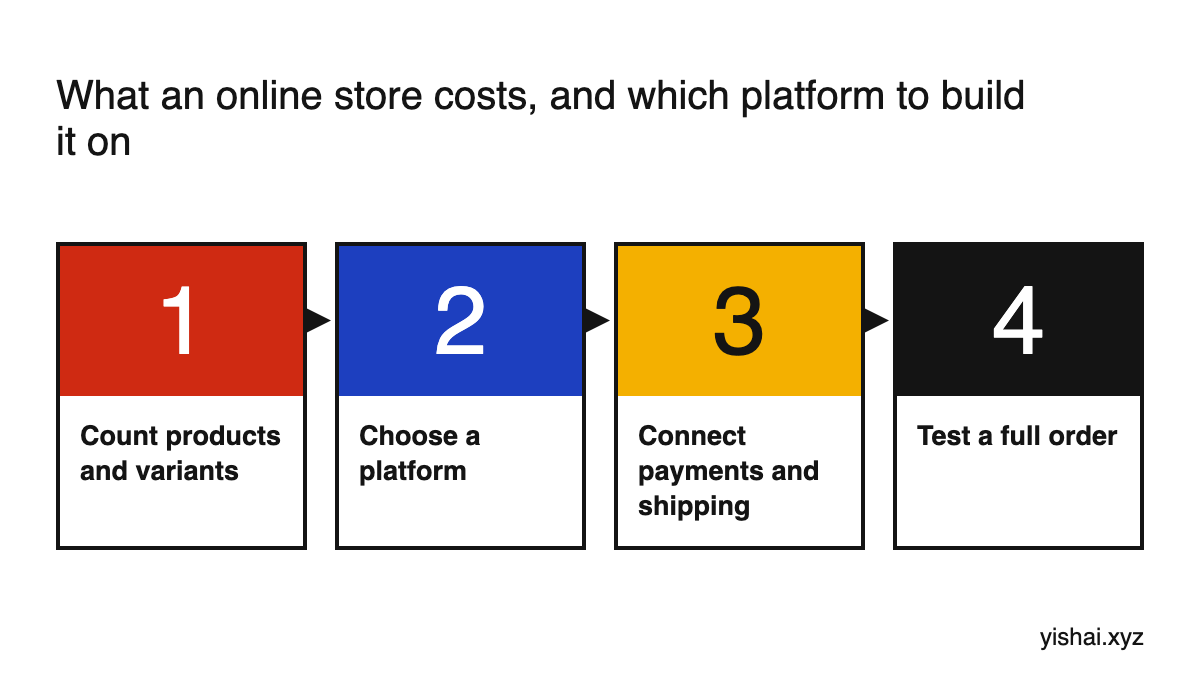
A small catalogue can be entered by hand. A large one, or prices that arrive from a supplier in a spreadsheet, is worth importing: map the file’s columns to store fields, show a draft of what will change, and fix bad rows before they go live. That way a pricing mistake never reaches a customer. When the update repeats every week, this is where automation saves the most time.
What do you test before opening the store?
- A full order on a phone: choosing a product, paying, the receipt and the confirmation email.
- A failed payment, and a product that is out of stock.
- Shipping prices for several different addresses.
- A notice to the team for every new order.
- Terms, cancellation and shipping policies, and an accessibility statement.
- Product pages that load quickly on a mobile connection.
What to prepare before asking for a quote
- Catalogue
- How many products and variants, and where prices come from.
- Payment
- A payment provider, and whether you need instalments or business customers.
- Shipping
- Regions, prices and courier.
- Operations
- Who updates products and handles orders, and how often each week.