AI integration, with a person who approves
We connect AI to a workflow in a system you already use, such as a CRM or a shared document library, and decide what it reads, what it proposes and which actions need approval.
- Inquiry routing
- Extracting data from Hebrew documents
- Drafts
- Answers from an internal knowledge base
Where AI helps
Inquiry routing
Reads each inquiry for what it says and suggests which team should handle it.
Extracting data from Hebrew documents
Shows the date and order number from a form beside the page they came from. Missing or conflicting values go to review.
Drafts
Prepares a summary or a draft reply that someone reads and edits before use.
Answers from an internal knowledge base
Answers with a link to the approved policy. When sources disagree, a person checks.
From an inbox message to an approved CRM update
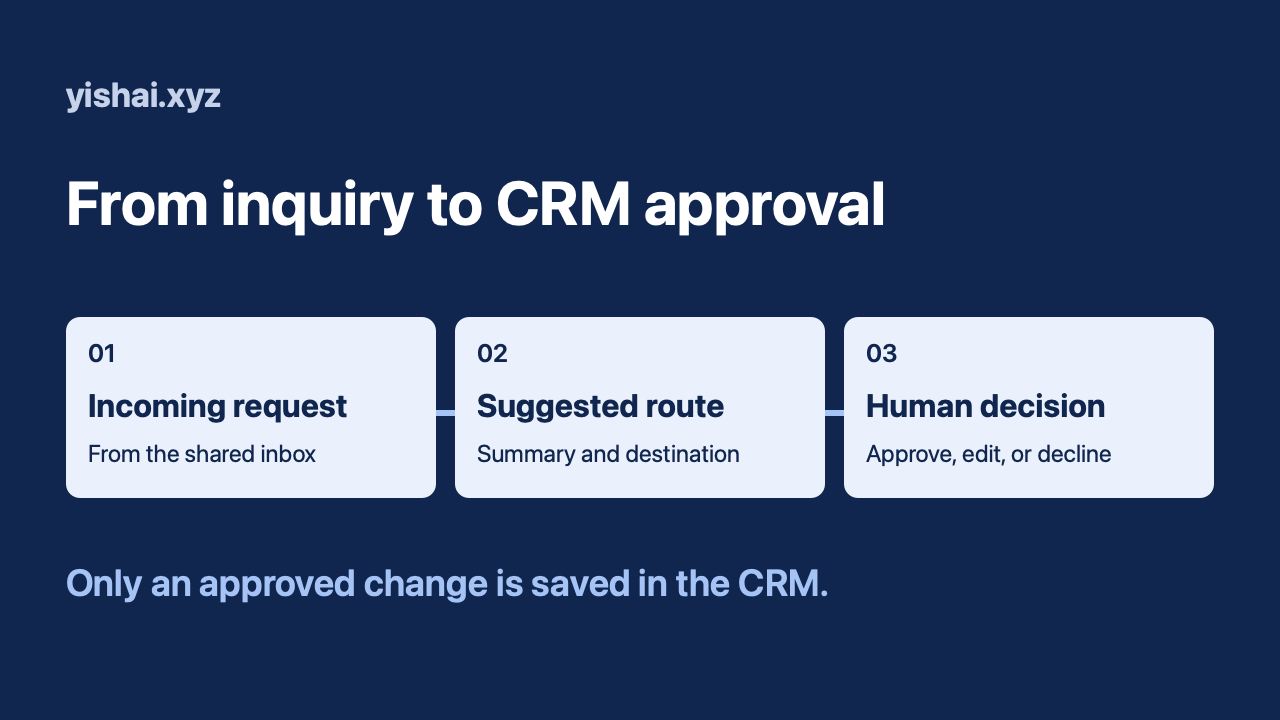
An example: AI suggests how to route an inquiry, and a reviewer compares the suggestion with the original message before the record changes.
- Read only
The message arrives
An inquiry lands in a shared inbox. The system receives only the details it needs to classify it.
- A proposal, not a change
AI proposes an update
A summary, a category and a next step. Missing details are flagged for review.
- Saved after approval
A person reviews and saves
The reviewer can correct the proposal or keep the record as it is. Approval saves only the approved fields.
If the record changed during review, the system shows the new version and asks for approval again. Try the CRM approval demo
Access, approval and quality
What the system receives
We map the data sources and permissions before connecting an AI provider, and decide what may be shared, how sensitive information is handled and which details are kept for review.
When a person approves
Missing data, or a result outside the rules, goes to review. Actions such as sending a message or updating a record can require approval too.
How quality is checked
We define what a correct result looks like and test with examples from everyday work, counting how many results were accepted as written, how many were corrected and how long review took.
What is known about AI use in business
39%
of businesses in the Israeli survey used AI
In March 2026, 39% of surveyed businesses reported using AI, up from about 28% in June 2025. The survey covered selected industries and businesses with at least 10 employee jobs.
Israel Central Bureau of Statistics, 202640%
less time on writing tasks
In an experiment with 453 professionals, those with access to ChatGPT finished the writing tasks in 40% less time on average.
Science, 202315%
more issues resolved per hour
In a study of 5,172 support agents at one company, an AI assistant raised issues resolved per hour by 15% on average. Results varied between agents.
Quarterly Journal of Economics, 2025
To see what fits your business, test one workflow and measure handling time and quality before and after the change.
From design to handover
Download an AI integration briefDefine the workflow
What goes in, what comes out, in which systems and with which permissions.
Build and test a pilot
Normal cases and exceptions. The first version stays within the agreed scope.
Hand over the controls
Who reviews results, how to pause the workflow and which costs continue.
Tell us about the workflow you want to test
Where the information comes from, what should come out, and who approves it today.
The first conversation is free.