n8n, Make or Zapier: which automation tool fits your business
All three tools connect systems without much code, and the main difference between them is how you pay and where they run. Zapier bills by tasks, meaning the steps that run, and is the simplest to start with. Make bills in credits per action and suits processes with many branches. n8n bills per run of a whole workflow, and you can also run it on your own server. The process decides the choice, not the tool.
How do n8n, Make and Zapier differ?
| Topic | Zapier | Make | n8n |
|---|---|---|---|
| Billing | Tasks: every step that runs | Credits: most actions use one | Executions: a whole workflow counts once |
| Where it runs | Zapier's cloud | Make's cloud | n8n's cloud, or your own server |
| How you build | Step by step | A visual map with branches | A visual map, with code when needed |
| Suits | Short processes between well-known apps | Processes with many steps and conditions | Long processes, AI, and data that must stay with you |
Prices and plans change, so check them on the pricing pages of Zapier, Make and n8n. We checked how each one bills on those pages on 23 November 2026.
How do you estimate what it will cost?
Count how many times a month the process will run, and how many steps it has. For example: a process that receives a site inquiry, looks up the customer in the CRM, creates a task and sends an email, running 300 times a month. In Zapier and Make the bill depends on the number of steps that run each time, and in n8n each run counts once. With those two numbers, compare the pricing pages.
Where does your data go?
In Zapier and Make, data passes through the tool's servers. If the process touches sensitive information, such as medical or financial data, check the tool's privacy terms, or run n8n on a server your business controls. Your own server is also a responsibility: updates, backups and watching for failures.
When don’t you need a tool at all?
When the process is simple and runs often, or when it is part of the product itself, a direct connection in code can be cheaper and more reliable over time. For example, a website form that sends inquiries straight to the CRM. An automation tool fits better when the process changes often, or when the person maintaining it is not a developer.
What happens when something fails?
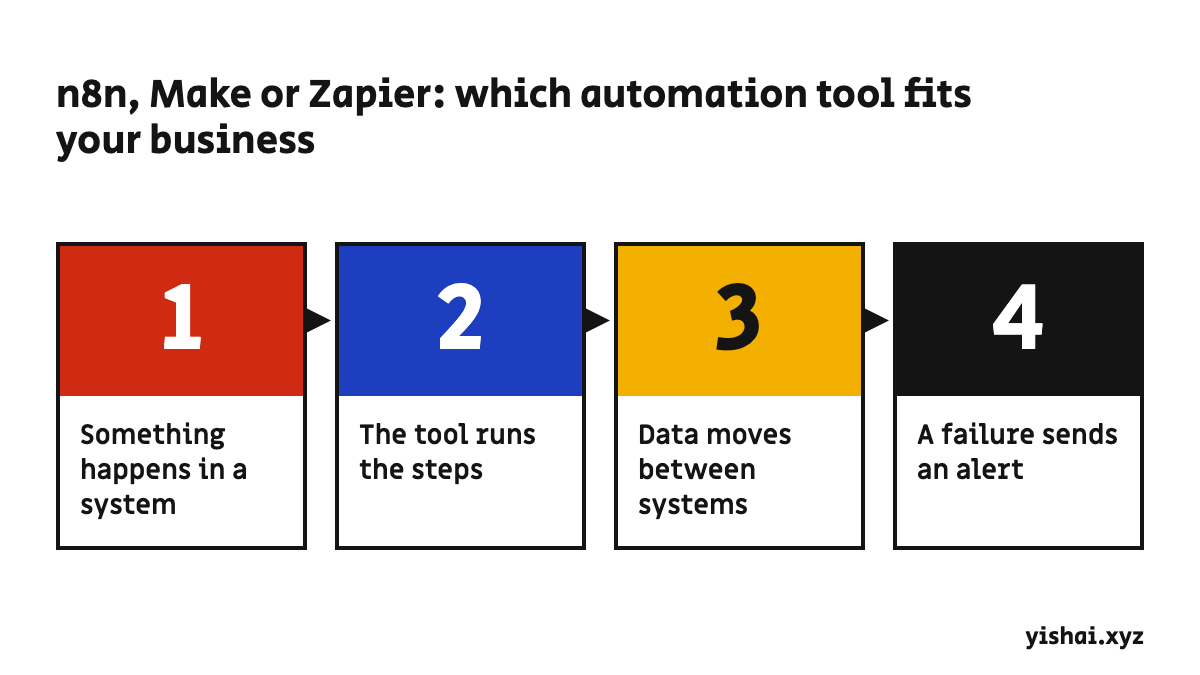
In each tool you define what happens when a step fails. Before you switch a process on, decide who gets the alert, where you see which runs failed, and how you run them again. A process without alerts fails silently, and you find out only when a customer complains. What to do when an automation stops.
What to check before you choose a tool
- Process
- The steps, what triggers them, and how often a month.
- Systems
- Whether each system has a ready connector in the tool.
- Data
- What passes through the tool, and whether it may.
- Upkeep
- Who fixes it when something breaks, and who is alerted.